App Store Assets
Screenshot mockups for App Store & Play Store submissions
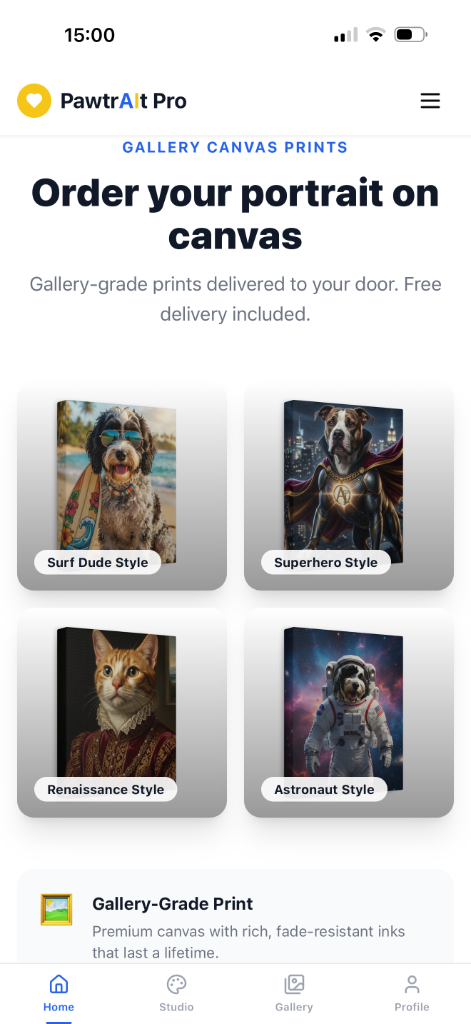
+ Add Screenshot
How to add more screenshots
- Take a screenshot of the app page you want to showcase
- Upload it to the app (e.g. via the file upload in Creator Studio)
- Copy the image URL and add it to the
SCREENSHOTSarray inpages/Assets.jsx
💡 Tip: Use browser DevTools to screenshot at 390×844px for perfect iPhone resolution.